Introduction
Welcome to the official documentation for HELIX{.external}, the ultimate open-world multiplayer sandbox platform.
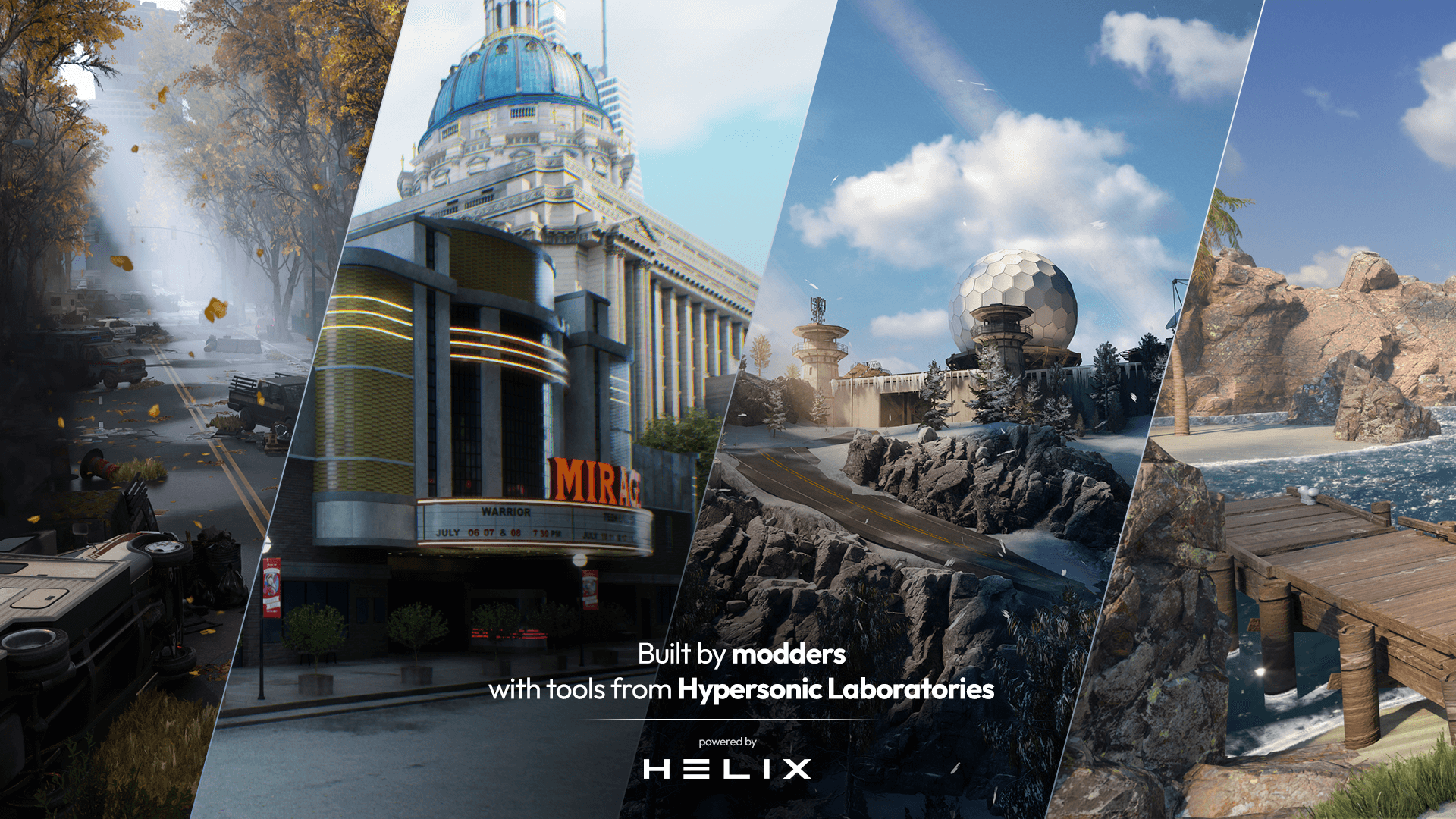
About HELIX
HELIX is an open-world multiplayer sandbox platform, specifically designed for roleplay. As a developer, you can create your own games, roleplaying servers, and virtual worlds using our extensive scripting API and creation tools.
-
:fontawesome-solid-people-line: Built By Creators, For Creators{.whiter} - We built HELIX from the ground up to be as easy to develop on as it is to play on. Leverage the full power of our scripting API, extensive library of packages, and creation tools to import any type of custom asset and create any type of multiplayer experiene you can imagine.
-
:material-chart-areaspline: Full IP Ownership{.whiter} - Modders are always at the risk of being shut down as they're building on top of another game's IP. With HELIX, you retain full IP ownership of any original work that you create and publish on the platform.
-
:material-arrow-up-box: Community-First Development{.whiter} - We're building HELIX alongside our community. We deeply value your feedback and directly incorporate community-requested features into the product. If you have any suggestions about the gameplay or development experience, don't hesitate to reach out on our Discord.
Getting Started
-
Quickstart
The best way to learn is by doing. Make your first game quickly and easily in this step-by-step tutorial!
:material-controller-classic-outline: Create Your First World
-
Disciple specific tooling
Whatever you specialize in, we've got the right tools for you.
-
View tutorials and examples
See how it's done directly, either step-by-step or through examples.
:material-file-document-arrow-right-outline: Scripting Tutorials
-
Browse the API
Check out our extensive API to see the full breadth of HELIX.
/// tip | Navigation Use ++right++ to quickly go to the next page too! ///
Contributing
HELIX's documentation is continuously written and edited, and we'd love your help/input to make it better! To contribute, simply click the edit icon :material-file-document-edit-outline: in the top right corner of any page.